
How to Set Up Hermes Agent: Install, Configure & Connect Telegram (2026)
Install Hermes Agent on Mac, Linux or Windows, pick a model with Nous Portal or your own keys, enable tools and run the gateway for Telegram and Discord.
Last verified: 15 October 2026, against the official Hermes Agent docs (hermes-agent.nousresearch.com). Hermes Agent updates often, so check the commands against the docs before you run them.
Hermes Agent, from Nous Research, is an open-source AI agent you run yourself. You can chat with it in your terminal or connect it to Telegram, Discord, Slack and other chat apps. This guide covers installing it, choosing how it reaches an AI model, turning tools on and off, and running the messaging gateway.
What Hermes Agent Is
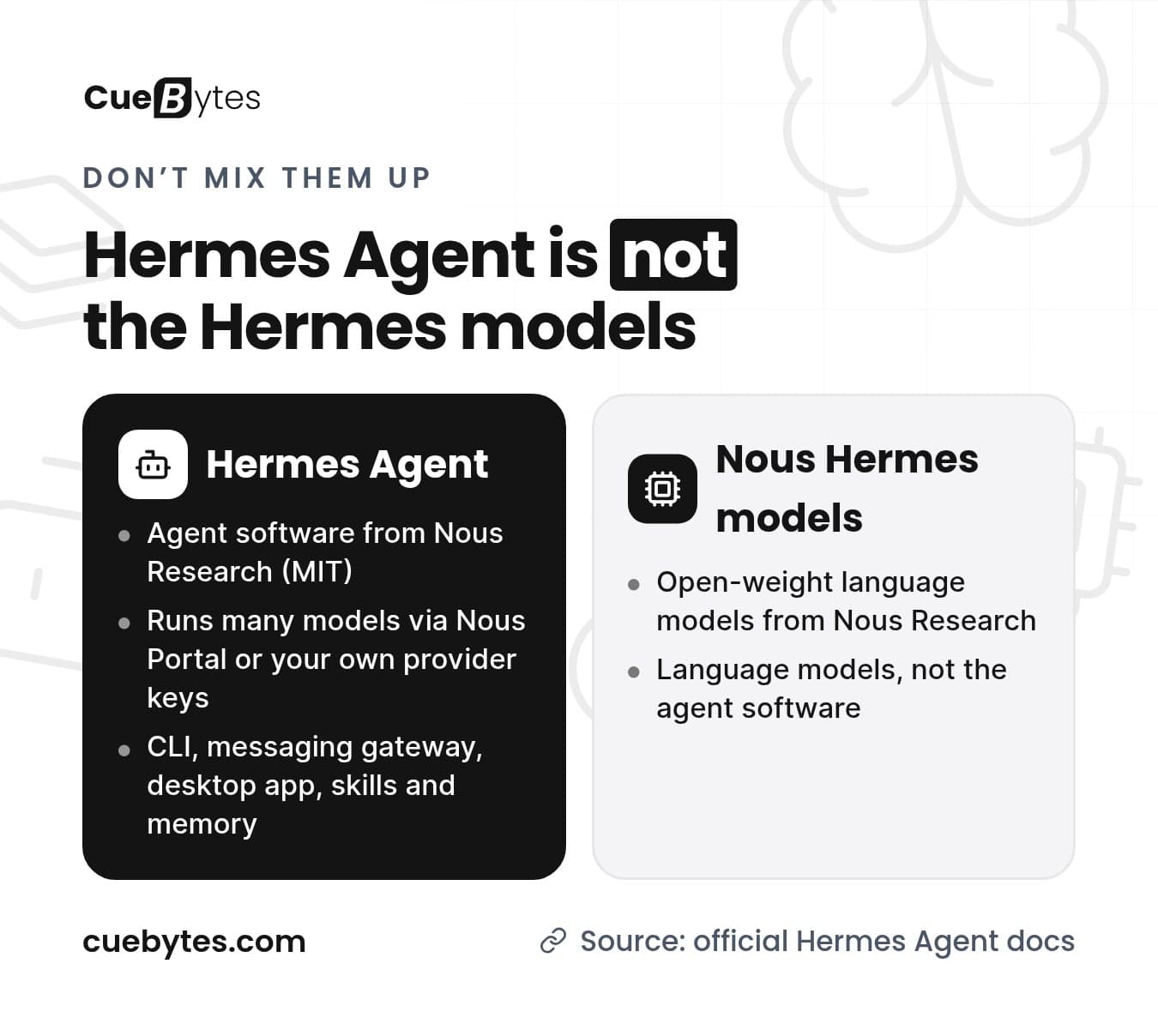
Hermes Agent is an MIT-licensed personal-agent platform with a command-line interface, a messaging gateway, a desktop app, skills, memory and a plugin system. One thing trips up a lot of searchers: it is not the same as the Nous Hermes models. Those are open-weight language models. Hermes Agent is the agent software, and it can run many different models, from Nous Portal or from your own provider keys.
Step 1: Install Hermes Agent
Hermes Agent Desktop (macOS and Windows)
The docs recommend the Hermes Agent Desktop installer on macOS and Windows. It installs the command-line and desktop apps together. Download it from the official Hermes Agent website.
Command line: Linux, macOS or WSL2
curl -fsSL https://hermes-agent.nousresearch.com/install.sh | bashCommand line: Windows (native PowerShell)
iex (irm https://hermes-agent.nousresearch.com/install.ps1)After it finishes, reload your shell, for example:
source ~/.zshrc # or ~/.bashrc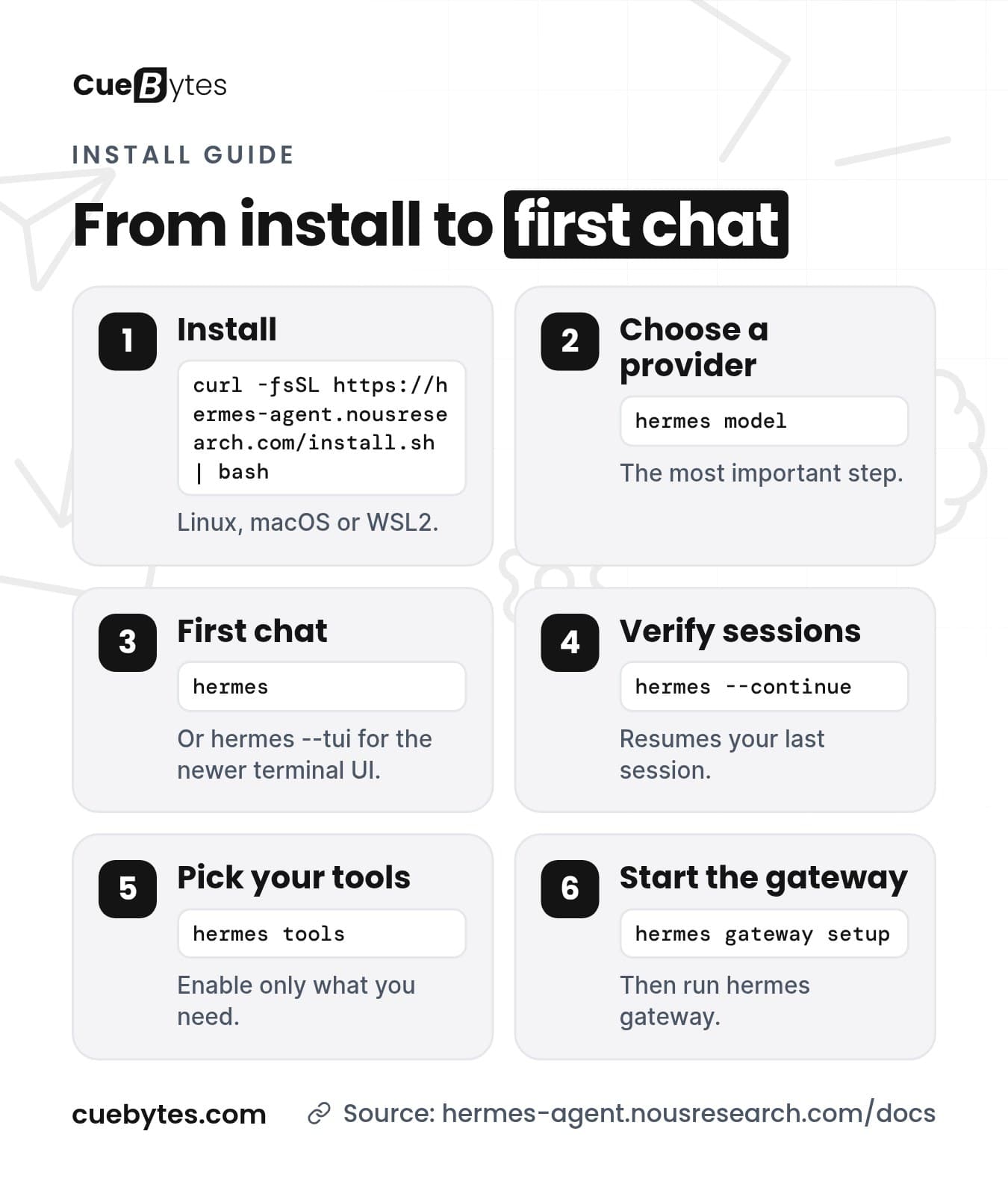
Step 2: Choose a Provider (the Most Important Step)
The docs call this the single most important setup step. Hermes Agent needs a model, and it needs one with at least 64,000 tokens of context. Most hosted models meet that. To walk through the choice interactively:
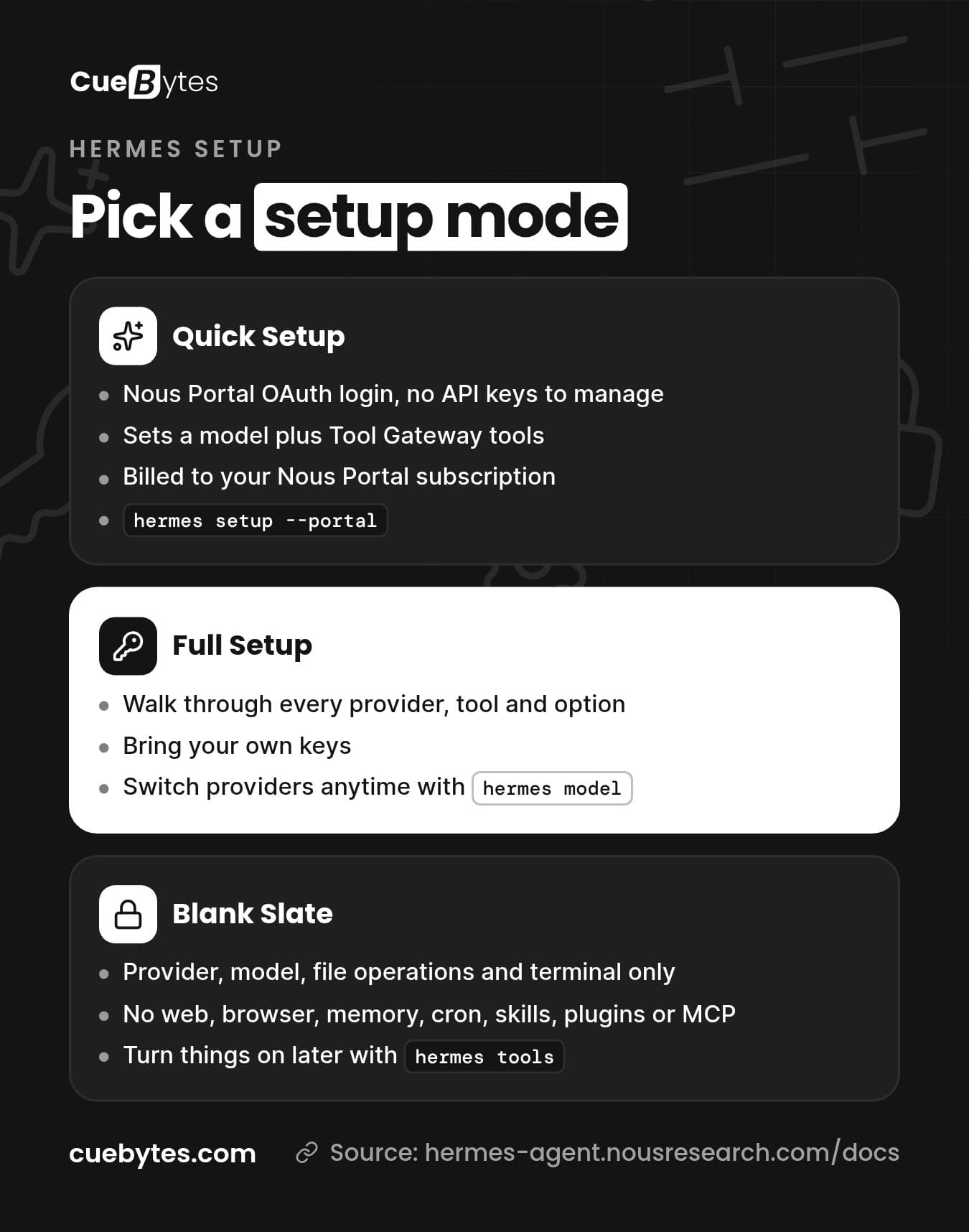
hermes modelOn a fresh install, hermes setup offers three modes.
Quick Setup with Nous Portal
One subscription covers 300+ models plus the Tool Gateway (web search, image generation, text-to-speech and a cloud browser). It logs you in with OAuth, so there are no API keys to manage:
hermes setup --portalFull Setup (your own keys)
Walk through every provider, tool and option yourself. The supported providers include OpenRouter, Anthropic, Google AI Studio, xAI, DeepSeek, Hugging Face, Ollama Cloud, LM Studio and any custom OpenAI-compatible endpoint, among many others. The full list is on the Providers page of the docs.
Blank Slate (minimal and locked down)
Everything starts off except the bare minimum: provider and model, file operations and the terminal. There is no web, browser, code execution, memory, cron, skills, plugins or MCP servers. Pick this if you want a fully controlled agent and plan to enable only what you need. You can switch things on later with hermes tools.
Where settings are stored
- Secrets and tokens:
~/.hermes/.env - Non-secret settings:
~/.hermes/config.yaml
The CLI puts values in the right file for you:
hermes config set model <provider/model-name>
hermes config set OPENROUTER_API_KEY <your-key>
You can switch providers at any time with hermes model, so there is no lock-in.
Step 3: Run Your First Chat
hermes          # classic CLI
hermes --tui    # newer terminal UI
You should see a banner with your model and tools, get a reply without errors, and be able to keep a conversation going for more than one turn. The docs give a good rule of thumb: if Hermes Agent cannot complete a normal chat, do not add more features yet. Check that sessions resume with hermes --continue.
Step 4: Turn Tools On and Off
Run hermes tools to choose which tools are enabled for each platform. For extra capabilities you can add MCP servers in ~/.hermes/config.yaml, for example a GitHub server:
mcp_servers:
  github:
    command: npx
    args: ["-y", "@modelcontextprotocol/server-github"]
    env:
      GITHUB_PERSONAL_ACCESS_TOKEN: "<your-token>"
Keep tokens out of chats and screenshots, and only enable what the agent needs. For safer terminal use, run the agent in a Docker container or on a remote server:
hermes config set terminal.backend dockerStep 5: Start the Messaging Gateway (Telegram, Discord and More)
Only do this after the base chat works. First run the interactive platform setup:
hermes gateway setupIt supports Telegram, Discord, Slack, WhatsApp, Signal, Email, Microsoft Teams and Home Assistant (as a plugin). For Telegram you will create a bot with BotFather and give Hermes Agent the token. Then start the gateway:
hermes gatewayIf the gateway starts but nobody can message it, the docs point to an incomplete bot token, allowlist or platform setup. Re-run hermes gateway setup and check hermes gateway status. Keep each channel's allowed-user list tight, because authorized users can use tools that may include shell access.
Keep It Running and Up to Date
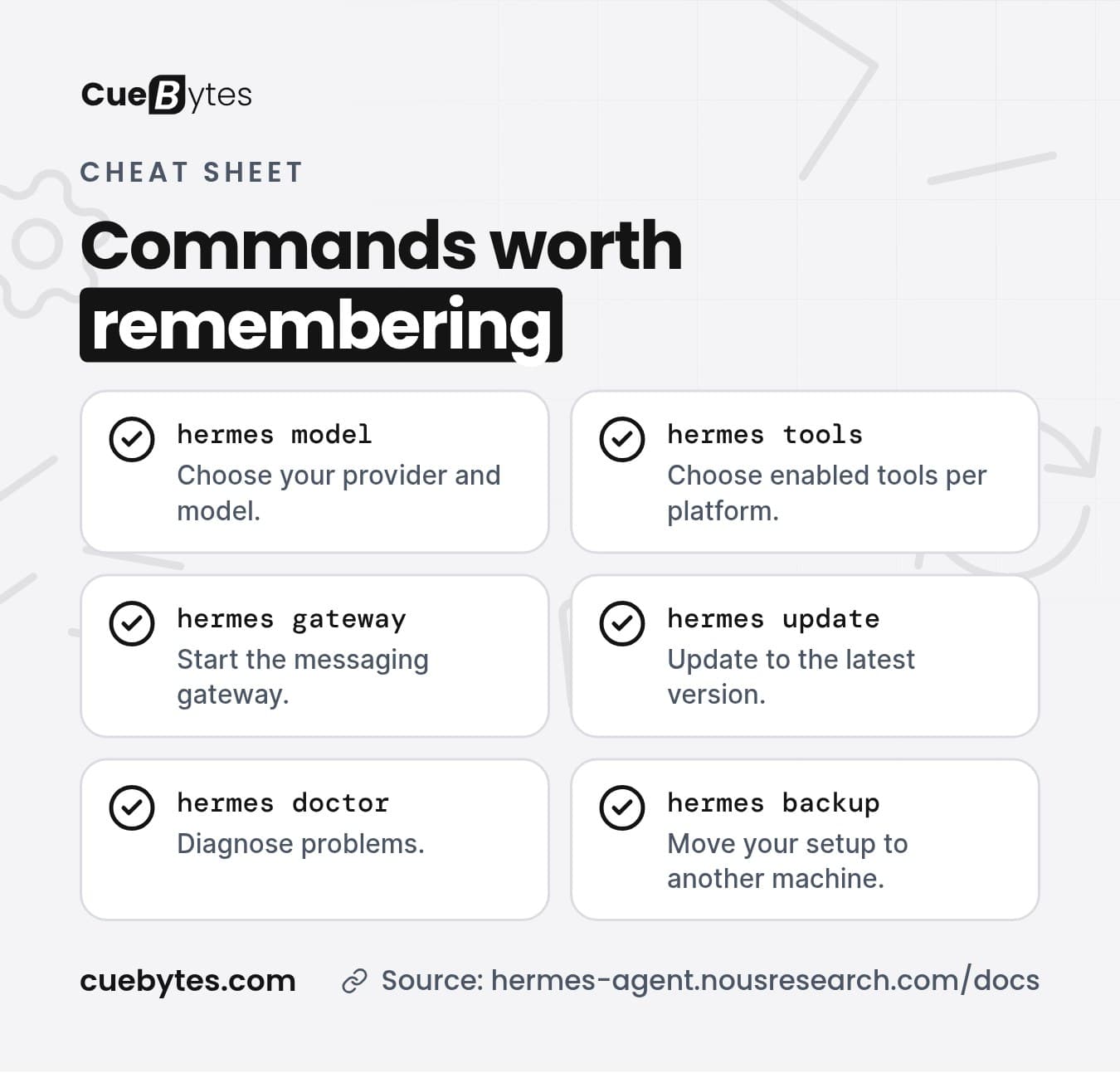
hermes updateupdates to the latest version.hermes doctordiagnoses problems. The docs' recovery order ishermes doctor, thenhermes model,hermes setup,hermes sessions list,hermes --continueandhermes gateway status.hermes backupmoves your whole setup (or a single profile) to another machine.
If you want the agent online around the clock, run it on a machine or VPS that stays on, and test that the gateway comes back after a reboot.
Bonus: Auto-Review GitHub Pull Requests
The official docs include a guide that sets up a webhook route so Hermes Agent reviews pull requests: it runs gh pr diff and posts a review comment. We will cover it in a separate post.
Prefer Not to Do It Yourself?
CueBytes sets up Hermes Agent for you: installed, pointed at your model provider, connected to your chat app and locked down. Setup starts at USD 400–500. [SHAHID: confirm exact setup fee, what's included (channels, integrations, support period), hosting/managed care pricing and how ordering works] Model usage and server costs are paid directly by you. No sales call is needed.
Tell us about your setup through our enquiry form or reply to any of our emails with your device and the chat app you use. Want to connect an agent to your business tools? See our AI integrations service.
Frequently Asked Questions
Do I need a Nous Portal subscription?
No. Nous Portal is the easiest path, but you can choose Full Setup and bring your own provider keys, or point Hermes Agent at a local or custom OpenAI-compatible endpoint. You can switch providers at any time with hermes model.
Does Hermes Agent run on Windows natively?
Yes. There is a native Windows install from PowerShell, and a Hermes Agent Desktop installer for macOS and Windows. You can also use WSL2 with the Linux installer.
Which Python version do I need?
You do not need to prepare Python yourself. The official installer pulls in its own dependencies.
Is Hermes Agent the same as the Nous Hermes models?
No. The Hermes models are open-weight language models from Nous Research. Hermes Agent is the agent software, and it can run many different models through Nous Portal or your own provider keys.
How much does it cost to run?
The software is free and open source under the MIT licence. You pay for the model you use (through your own provider, or a Nous Portal subscription) and for a server if you do not run it on your own machine. Costs depend on the model and how much you use it.
Hermes Agent or OpenClaw?
Both are open-source, self-hosted agents. Hermes Agent is a Python project focused on memory and skills that improve over time, while OpenClaw is a Node/TypeScript gateway with a wide catalogue of chat apps. Our comparison guide covers the trade-offs.
Related: OpenClaw vs Hermes Agent, how to set up OpenClaw and the best AI agent tools in 2026.
— CueBytes LLC
Sources: hermes-agent.nousresearch.com/docs (quickstart, Nous Portal, messaging gateway) · github.com/NousResearch/hermes-agent. Hermes Agent is a trademark of its respective owner. CueBytes is not affiliated with Nous Research.
Ready to Get Started?
Turn this knowledge into action. Let CueBytes help you build it.
Get Hermes Agent Set Up for You →